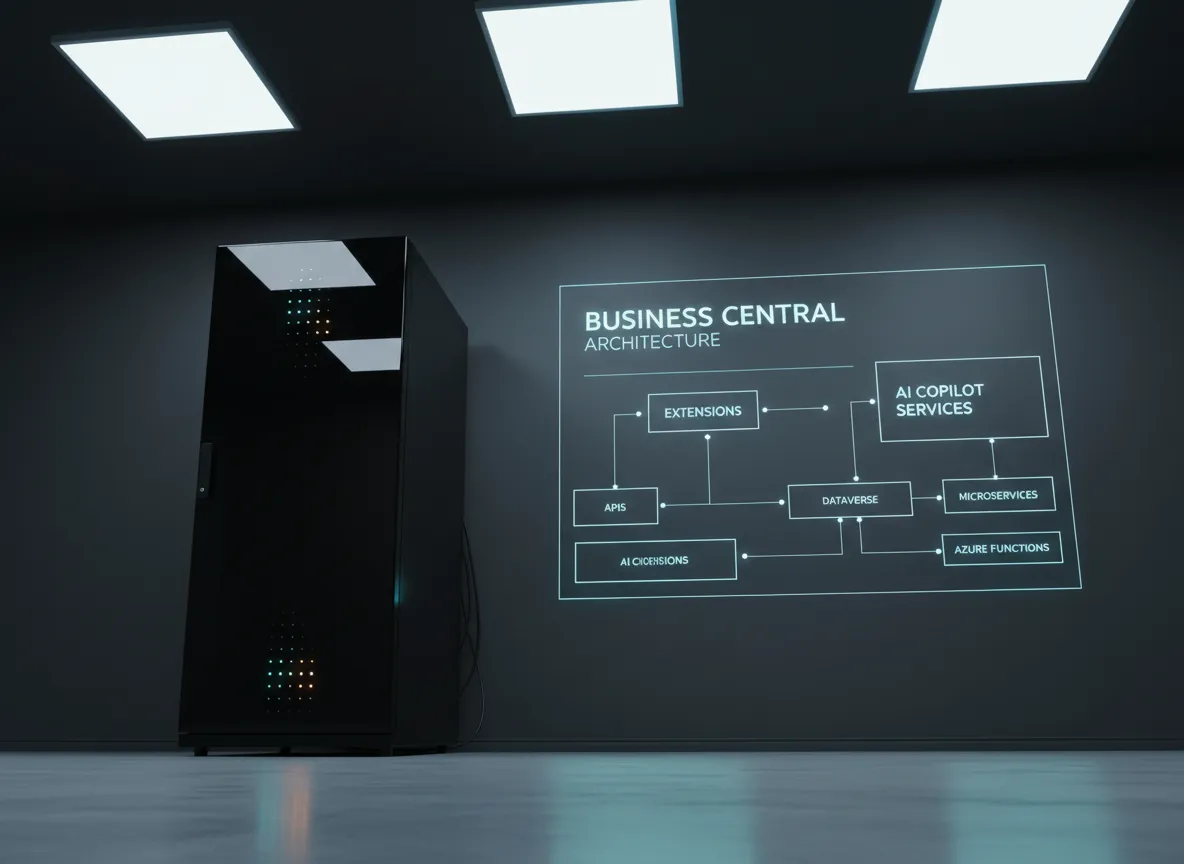
Orchestration Skills Are the Real Multiplier
Prompts are useful, but they are not the part that changed my workflow most.
The real shift was adding orchestration in VS Code: a layer that decides what to do first, which tools to call, and when to verify the result.
That is the difference between “generate something” and “help me finish the job properly”.
What I Actually Built
The working example is here:
The extension packages:
- preset editor settings
- MCP server configuration
- bundled skills
- bundled sub-agents
- translation tooling
I built it this way because I did not want to re-explain the same workflow every time I opened a new project.
The extension became the example: a repeatable VS Code setup that other people can inspect, copy, and adapt.
Skills vs Sub-Agents
This is the key distinction:
- Skills are reusable workflow instructions. They tell Copilot how to handle a type of task, what steps to follow, and what assets or rules to load.
- Sub-agents are specialist workers. They have their own prompt, their own tool access, and a narrower responsibility.
In VS Code terms, I use skills for the workflow shape and sub-agents for delegated execution.
That means the orchestration skill defines the flow, while sub-agents like researcher, architect, logic, UI, tester, and reviewer do the actual focused work.
MCPs I Use
The public stack includes:
- Playwright MCP
- Context7 MCP
- Microsoft Learn Docs MCP
- GitHub MCP
- BC Intelligence MCP
- MCP Pandoc
These cover browser work, docs, GitHub context, Business Central knowledge, and document conversion.
That matters because orchestration is only useful when the model can reach something real. Otherwise it is still just guessing with better phrasing.
Commands
The main flow in the extension is:
SKC: Configure MCP AuthSKC: Apply PresetsSKC: Install Cursor SkillsSKC: Install Cursor Agents
This is where orchestration becomes real: the agent can use actual tools, not just guess.
Prompt Flow
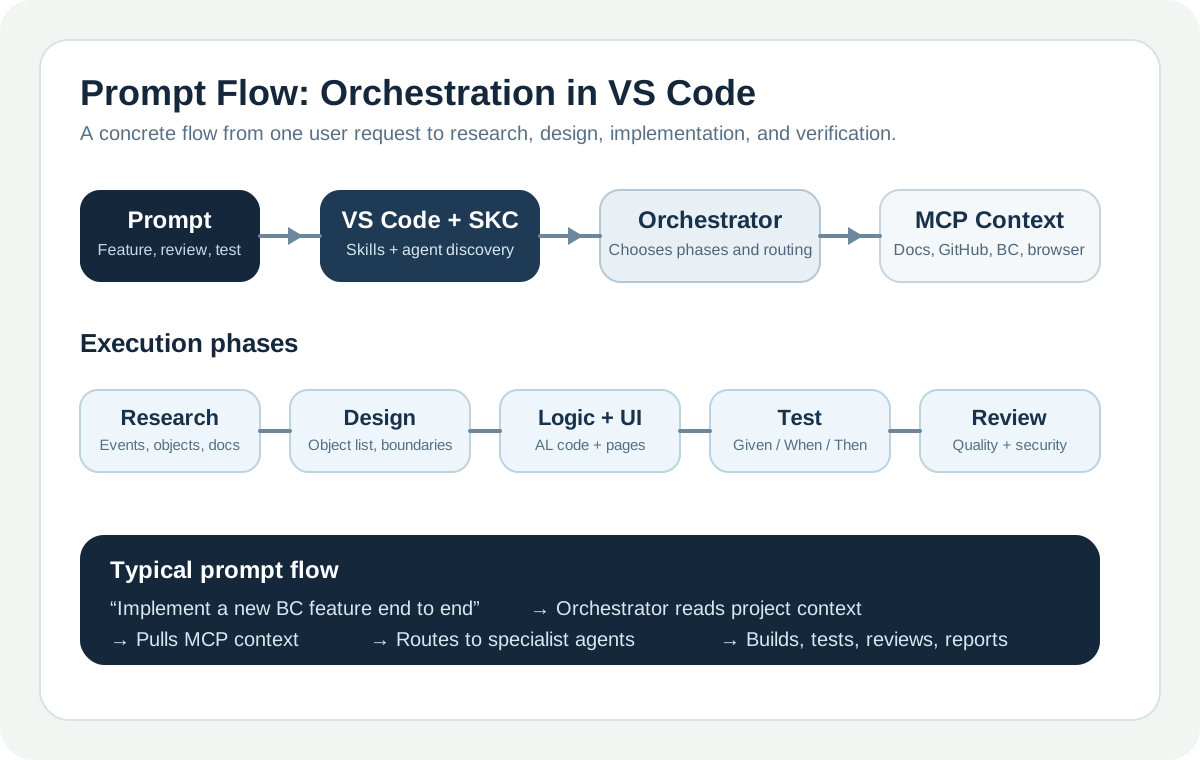
The prompt flow is simple by design:
- Start with one task in chat.
- Let the orchestrator read project context.
- Pull MCP-backed docs and repository context.
- Route to the right phase or sub-agent.
- Build, test, review, then report back.
What It Can Do in VS Code
In VS Code, the extension installs skills into ~/.copilot/skills/ and agents into ~/.copilot/agents/.
It also updates chat.agentFilesLocations so Copilot can discover them.
With that in place, the orchestration can:
- research first, then implement
- split a BC task into design, logic, UI, test, review, and translation phases in the current SKC setup
- use MCP-backed docs, GitHub, browser, and BC tools during the flow
The short version is:
- a skill shapes the process
- a sub-agent performs one specialised part of that process
In practice, that means I can ask for a full feature, a review, or a research pass and let the workflow handle the order of operations.
How To Use It
After setup, ask directly for the task you want.
Examples:
Implement a new BC feature end to endResearch this AL pattern before codingReview this extension and list the risksAdd tests for this feature
That is the main idea of the post: not bigger prompts, but a better execution loop.
Translation Note
The translation workflow exists in the current SKC setup, but it is not yet available to the community at this stage. Right now, the SKC extension uses a private SKC Azure function for AI translation. Over time, some of that flow may be exposed more directly inside the extension itself.
Try It Yourself
If you want the packaged version:
ext install SKConsultingSA.skc-vs-toolsThen:
- Configure MCP authentication.
- Apply presets.
- Install the packaged skills and agents.
- Test the flow on one real task.
If you want your own version, keep the structure small:
1. Clarify the goal.
2. Search the repo.
3. Pull docs.
4. Delegate when needed.
5. Run build or diagnostics before closing.
That pattern is simple on purpose. It is the kind of thing another technical team can actually adopt.
Loading comments…